You haven't signed in yet, you can have a better experience after signing in
*Please complete the payment within {{receiveCouponInfo.expire_at}}Previous use*
You haven't signed in yet, you can have a better experience after signing in



Activity Rules
1、Activity time:{{ info.groupon.start_at }} ~ {{ info.groupon.end_at }}。
1、Activity time:cease when sold out。
2、Validity period of the Group Buying:{{ info.groupon.expire_days * 24 }} hours。
3、Number of Group Buying:{{ info.groupon.need_count }}x。
Please Pay Attention
1、Teamwork process: Join/initiate a Group Buying and make a successful payment - Within the validity period, the number of team members meets the activity requirements - Group Buying succeeded!
2、If the number of participants cannot be met within the valid period, the group will fail, and the paid amount will be refunded in the original way.
3、The number of people required and the time of the event may vary among different products. Please pay attention to the rules of the event.
CopperCube - the perfect tool to create your 3D games and applications
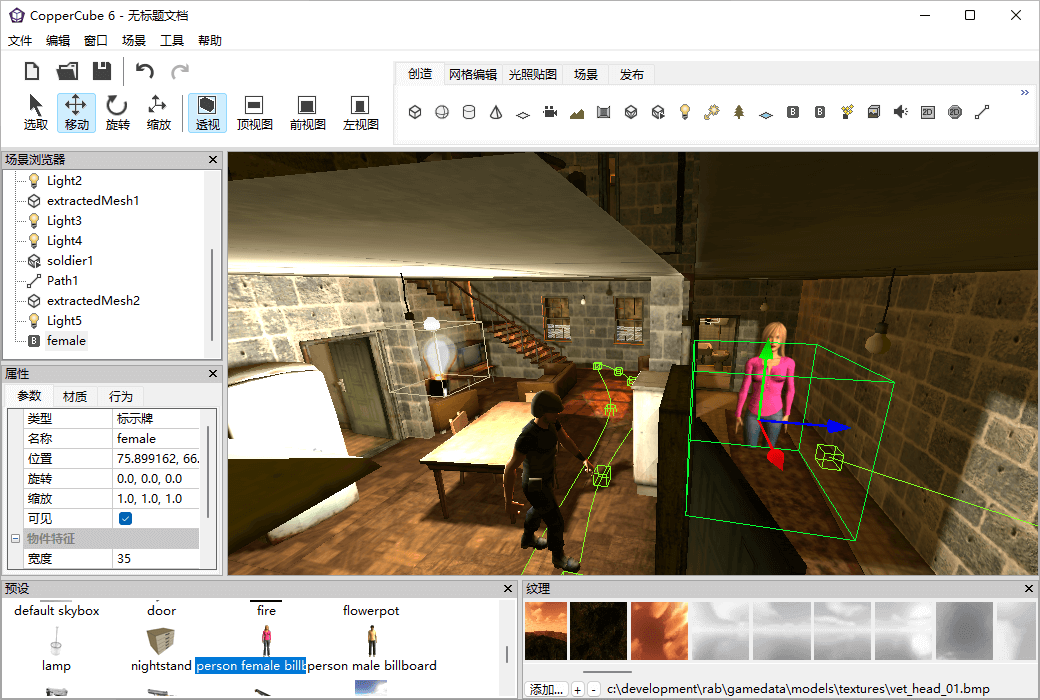
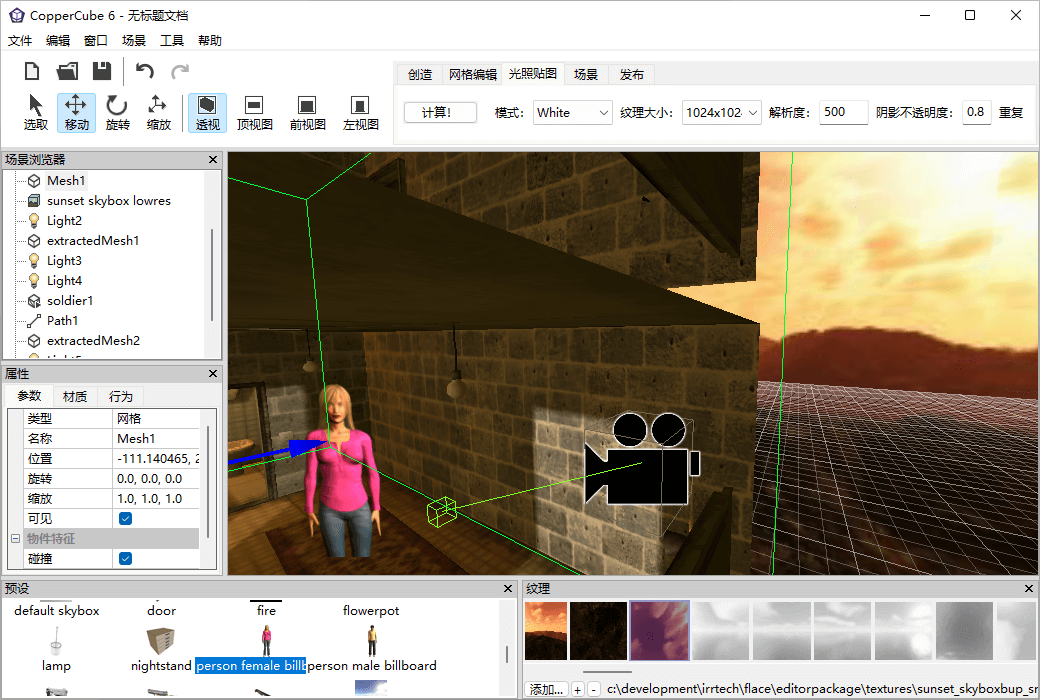
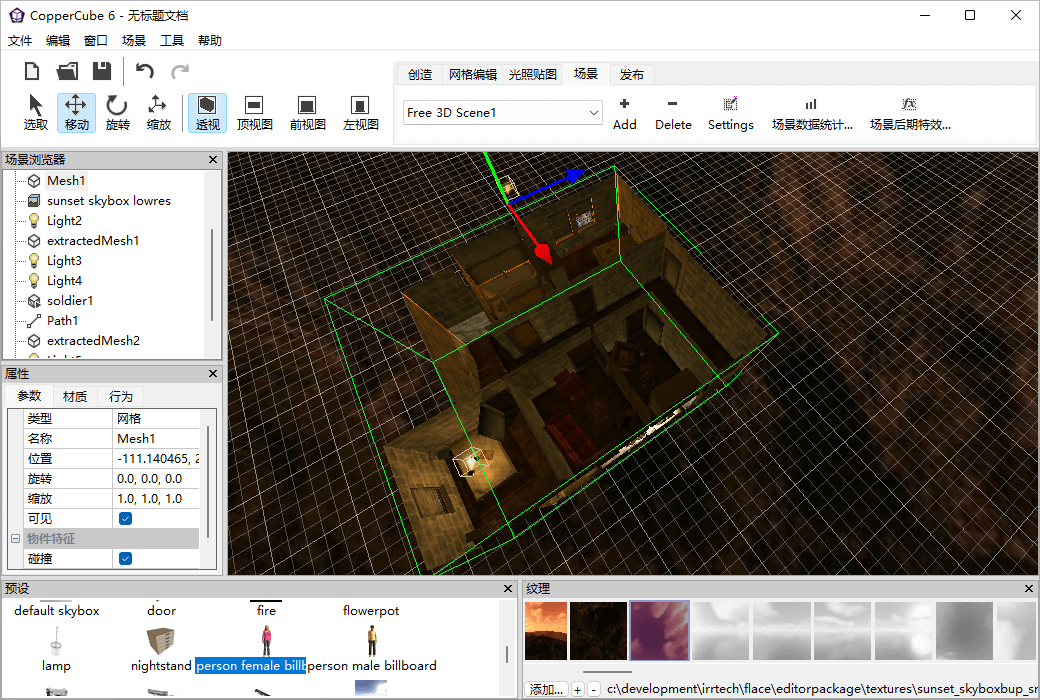
CopperCube is a versatile 3D game engine and editor that allows you to easily create high-quality 3D games and multimedia applications. It was developed by Ambiera and is an ideal choice for developers and designers, suitable for multiple platforms including Windows, Mac, iOS, Android, and WebGL, providing users with rich features and tools to create amazing 3D applications.
CopperCube is renowned for its concise yet powerful programming environment, and offers a range of editing tools that make it more convenient and efficient, allowing you to focus more on creating, developing, and realizing your vision. Without writing any code, you can create 3D scenes with physical effects, online 3D games and applications with unique special effects and animations, allowing your users to immerse themselves in a real world.
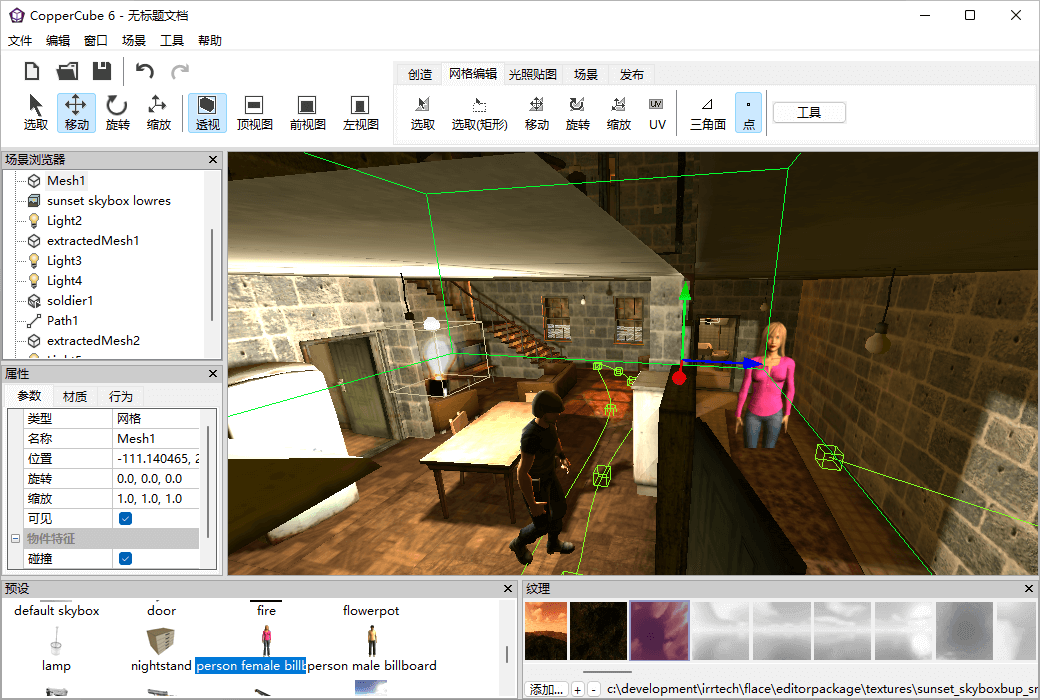
Not only that, CopperCube also offers a drag and drop user interface, characterized by ease of use, comprehensive functionality, and support for multiple popular 3D file formats such as FBX and COLLADA. It also integrates some popular third-party libraries, including the Bullet physics engine, making it easier for you to create realistic physics effects.
Creating 3D games and applications requires a very high cost, but CopperCube makes it easier and very cost-effective. Whether you are a professional developer or a game designer, CopperCube is one of the essential tools for you. It offers various pricing options, including free version, personal version, and enterprise version, to meet various needs.
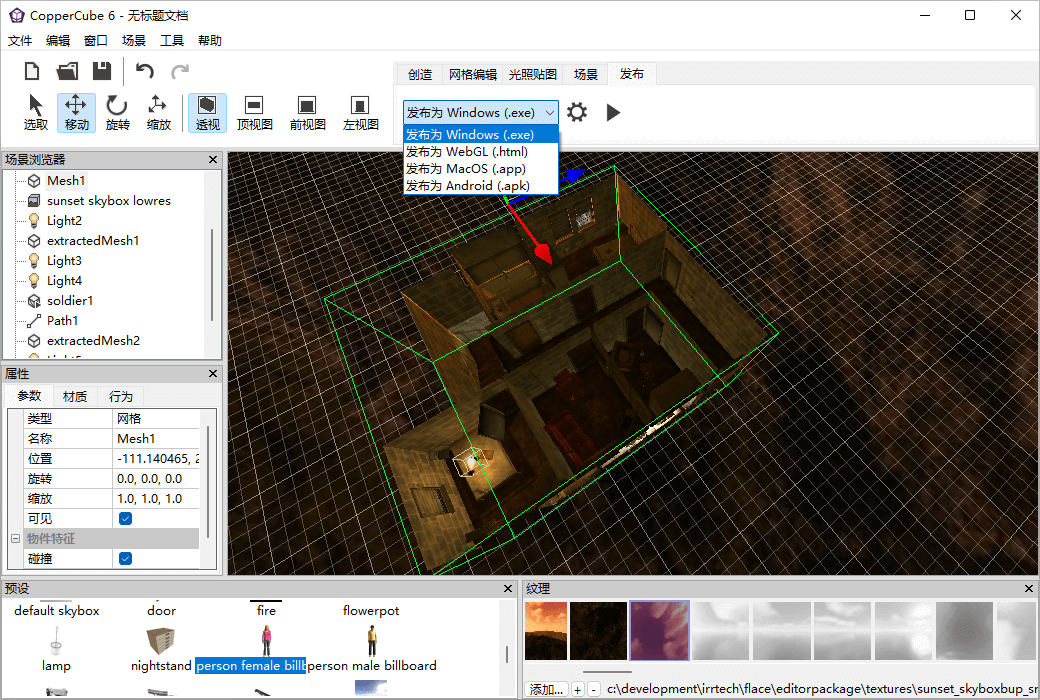
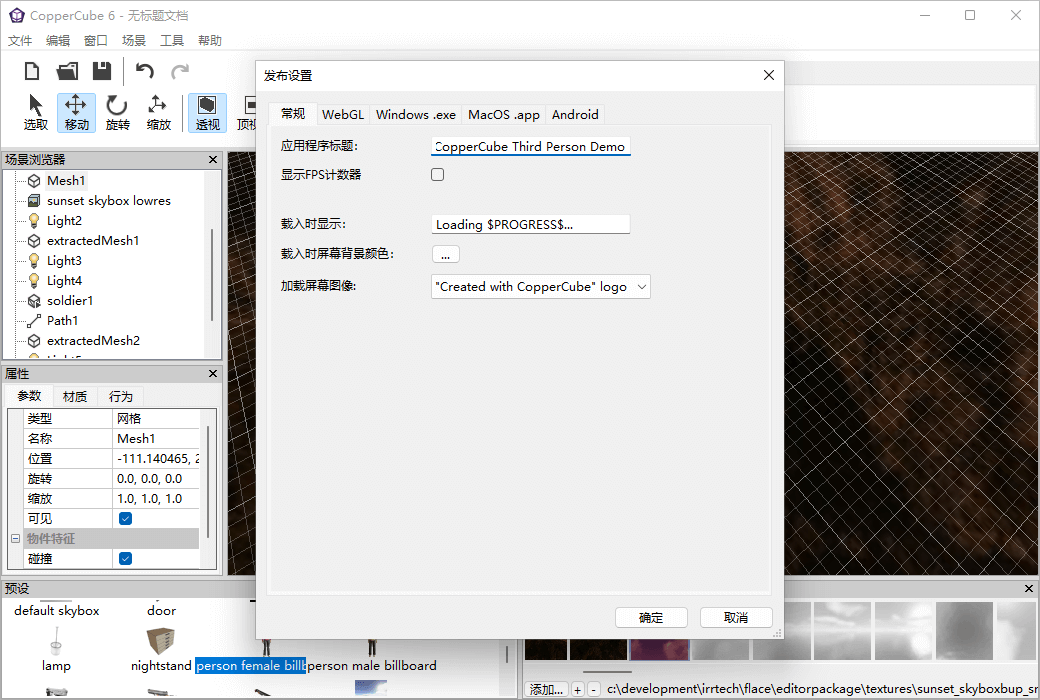
You can create Windows and MacOS applications, Android applications, even WebGL applications and HTML5 websites.
With just a few clicks, you can create everything from a simple model viewer to a complete 3D game.
You can create games and applications without programming. But it also supports scripting for advanced users.
Many successful games have been created using CopperCube and released on platforms such as Steam.
CopperCube is free, but there is a professional version with more features available for use.
Very suitable for creating first person shooter games, adventure games, roaming, simulators, e-learning applications, and more.
In short, CopperCube is an excellent 3D game engine and editor, renowned for its outstanding tools and features. If you are looking for a powerful and easy-to-use solution to create high-quality 3D games and applications, CopperCube is the perfect tool for you.
Official website:https://ambiera.com/coppercube/index.html
Download Center:https://coppercube.apsgo.cn
Backup Download:N/A
Delivery time:24-hour automatic shipping
Operating Platform:Windows, macOS (stuck in v6.3 version)
Interface language:Supports Chinese interface display and multiple language options.
Update Description:Support minor version upgrades and updates. For example: 6. x
Trial before purchase:Free trial is available before purchase.
How to receive goods:After purchase, the activation information will be sent to the email address at the time of placing the order, and the corresponding product activation code can be viewed in the personal center, My Orders.
Number of devices:Can install one computer.
Replace computer:Uninstall the original computer and activate the new computer.
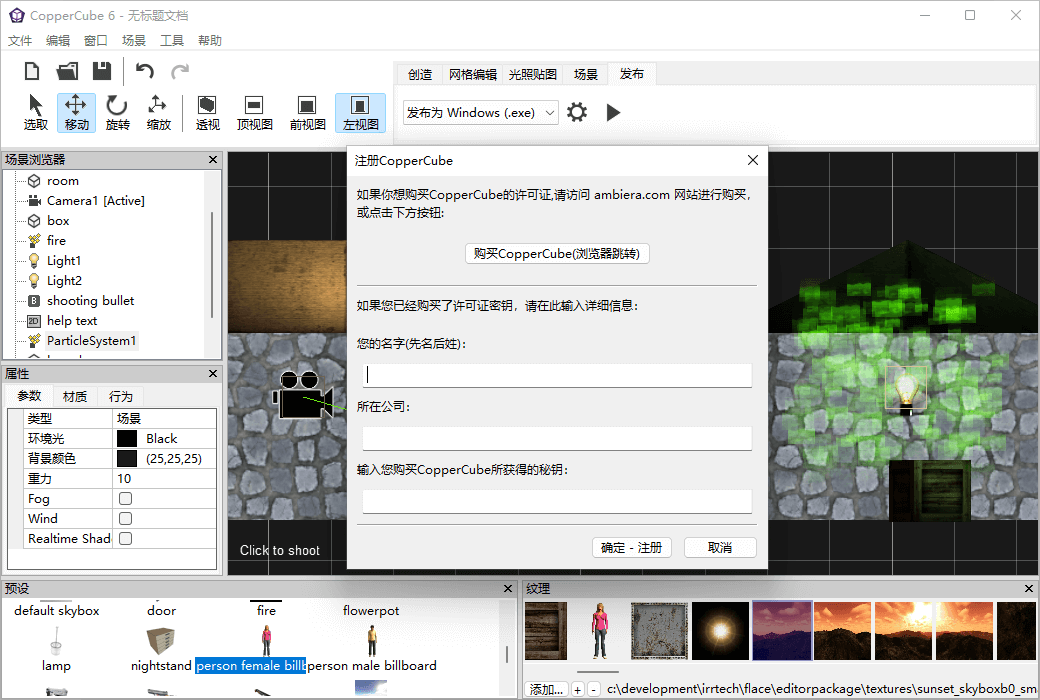
Activation guidance:Open the software, click on Help in the menu bar ->; register
Special note:To be added.
reference material:https://ambiera.com/coppercube/buy.html

Any question

Sometimes, the camera may get stuck in geometry during movement. Always place the camera in its initial position so that the yellow ellipsoid does not collide with the wall at the beginning, thus avoiding getting stuck
If the camera gets stuck during movement, the problem may lie in the 3D mesh: be careful when modeling static geometry that the camera collides with
The geometry should be closed and should not have any exposed single-sided polygons, as these are usually the locations where getting stuck occurs
In addition, if vertices that should coincide are not precisely located at the same position, it may also cause problems
If the 3D modeling software you are using supports a function similar to "merge points", you can precisely align adjacent vertices to the same position. It is recommended to perform this operation, as it usually helps avoid problems
There is also a second simple method to adjust the collision distance variable to mitigate the impact of getting stuck: click on the root node of the scene, add an "execute an action before first rendering" behavior to it in the behavior tab, and add a "set or change variable" action in its action
Assuming the name of the scene object you are moving is "player", select the variable named "#player.colsmalldistance" and set the value to a small number, such as 0.001
You can try different values to adjust the collision behavior